Download Version 26 installers
To install or upgrade an OpenLM Version 26 component, download its installer from the OpenLM Platform portal. The installers on www.openlm.com/downloads require an OpenLM Platform account: you register once, then sign in each time you need a new build.
Before you begin
Choose the region to register in. You sign in to that same region every time you download:
- US Cloud — for global use and for regions outside Europe.
- EU Cloud — for organizations in Europe.
A Software License Management Cloud (SLMC) account doesn't work here. SLMC and OpenLM Platform use separate accounts, as SLMC explains.
Register an OpenLM Platform account
Register the first time you download. If you already have an OpenLM Platform account, go to Download an installer.
-
Go to www.openlm.com/downloads.
-
In the Looking for V2.x downloads (V26 and earlier)? panel, select Register, then Register for US Cloud or Register for EU Cloud.
The OpenLM Platform registration page opens.
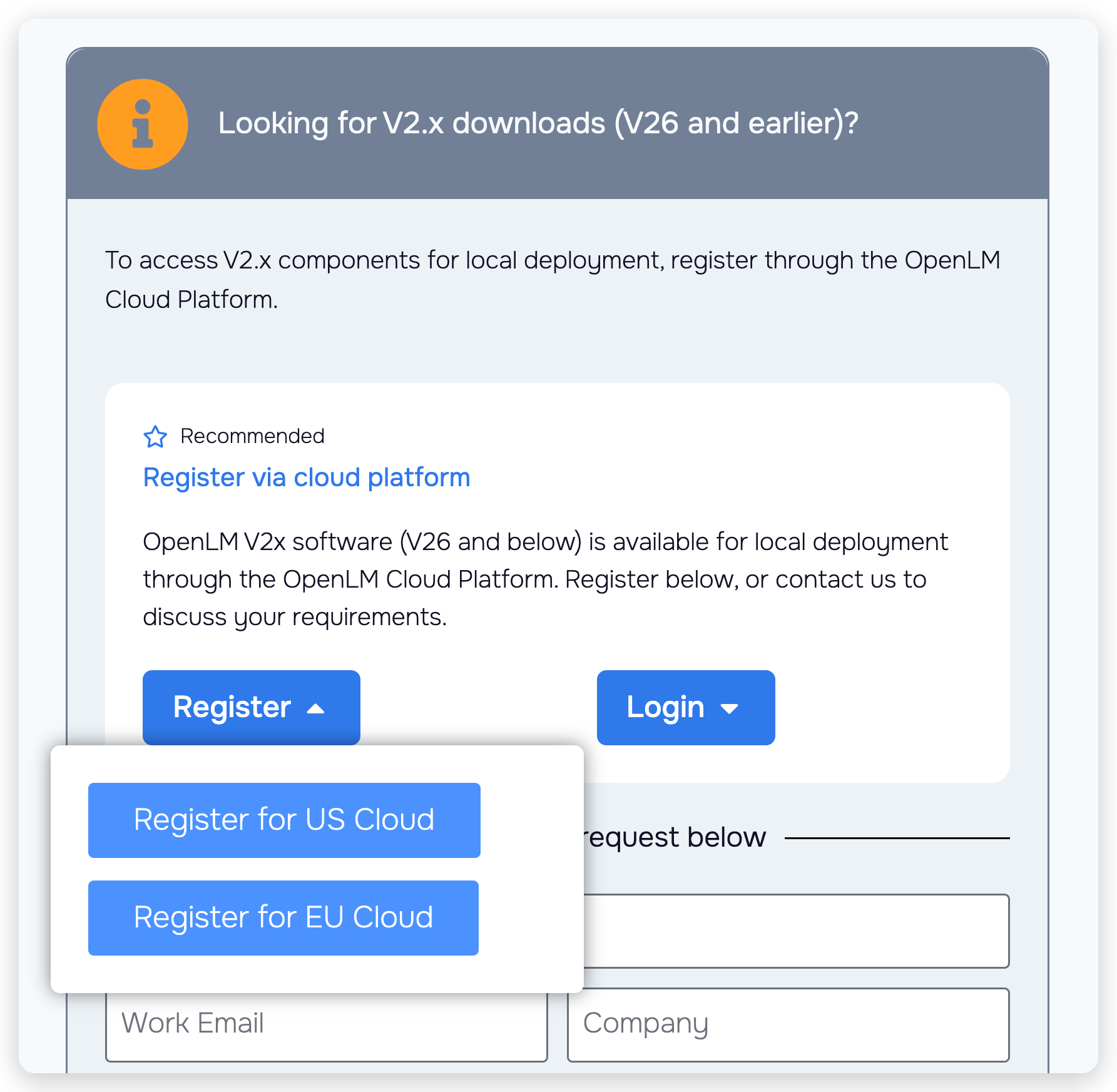 The Register menu on www.openlm.com/downloads
-
Register with your Google, Microsoft, or GitHub account, or create an account with your email address and a password.
The password must meet every rule listed next to the field. For the rules and both registration methods, see Register and activate OpenLM Platform.
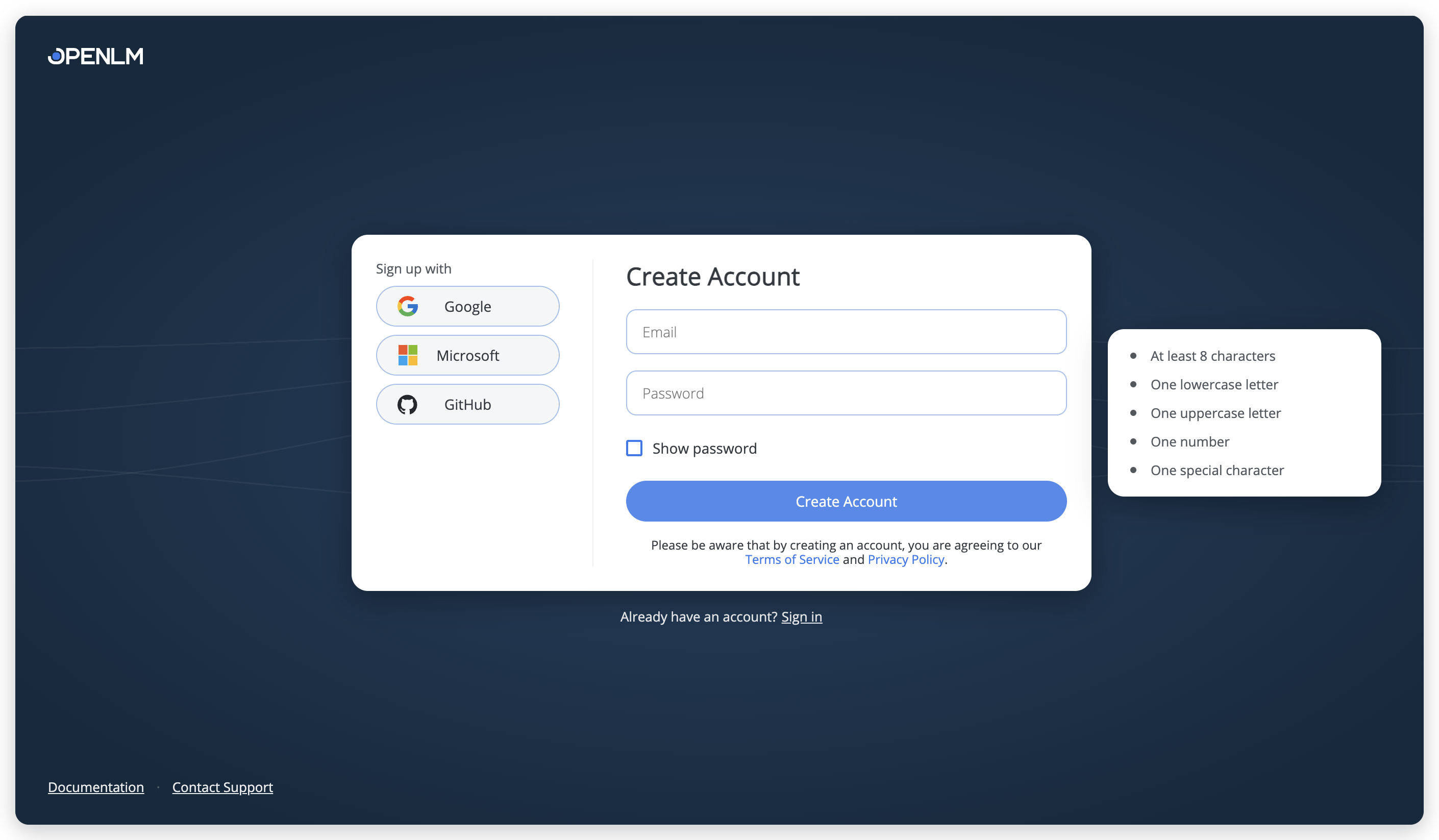 The OpenLM Platform registration page
-
On the You have successfully registered screen, select Login.
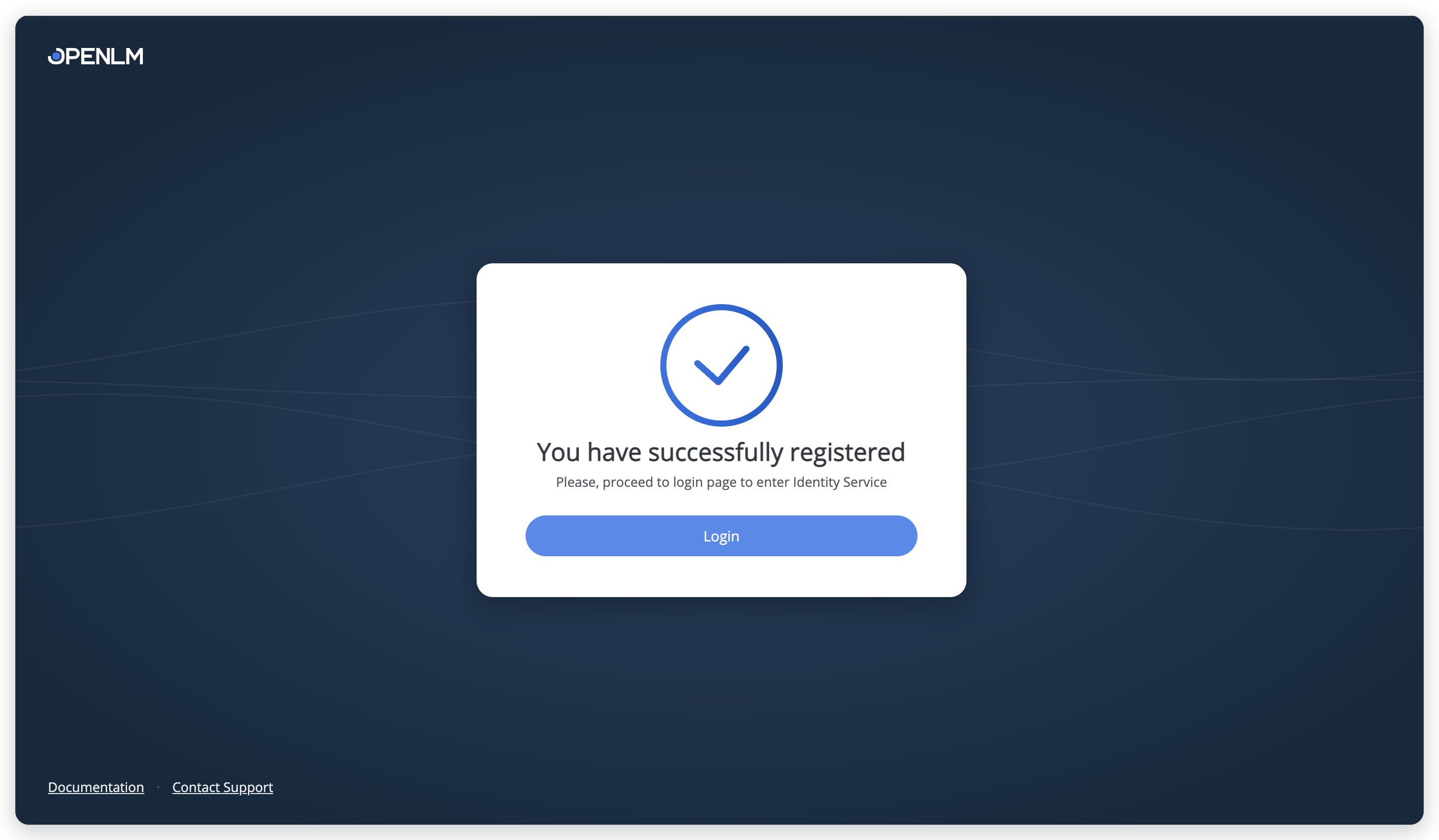 The confirmation screen. Select Login to continue to the sign-in page.
Download an installer
-
Go to www.openlm.com/downloads, select Login, then select US hosted or EU hosted to match the region you registered in.
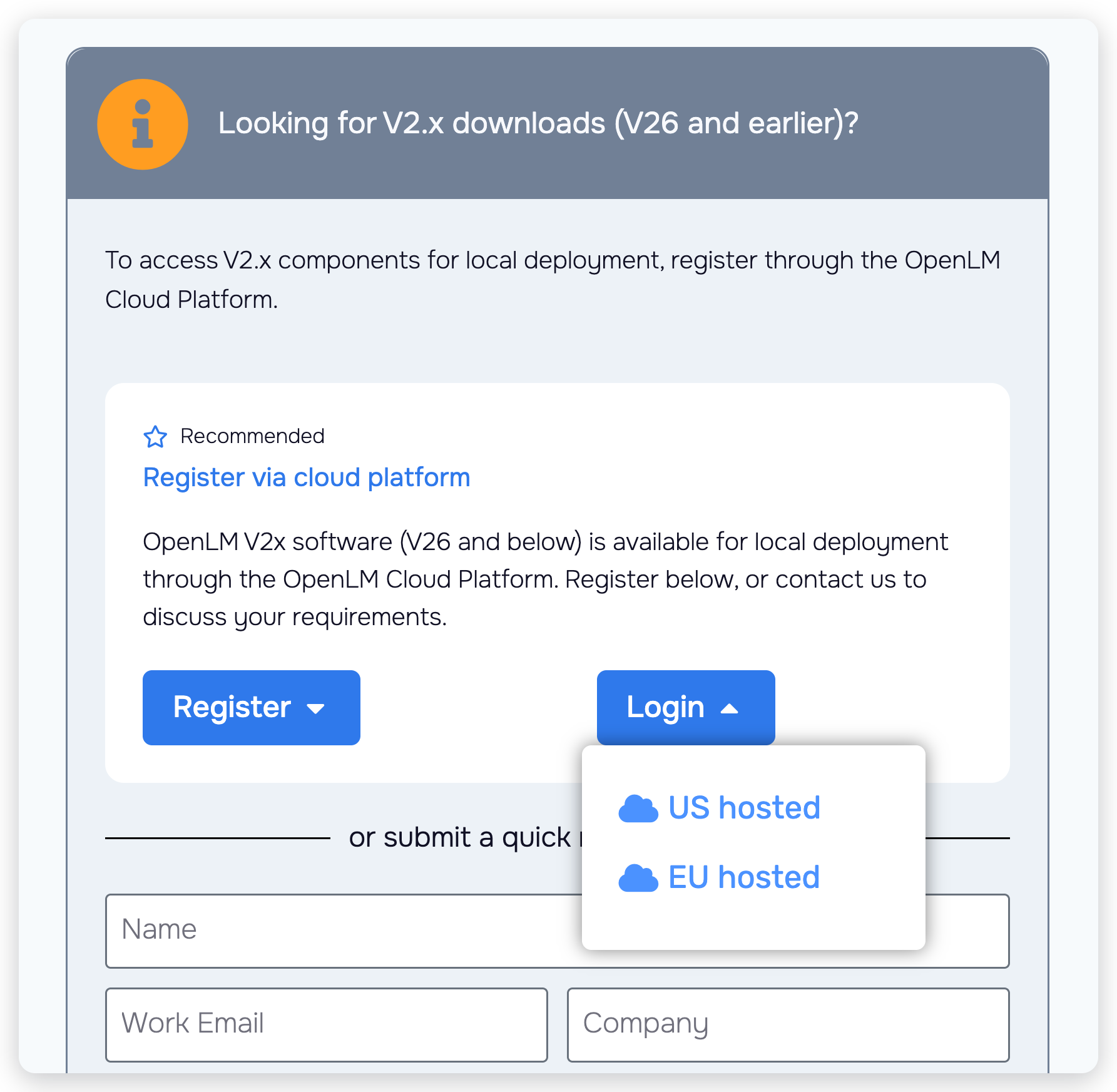 The Login menu on www.openlm.com/downloads
-
Sign in with the email address and password you registered with, or select the same Google, Microsoft, or GitHub button you registered with.
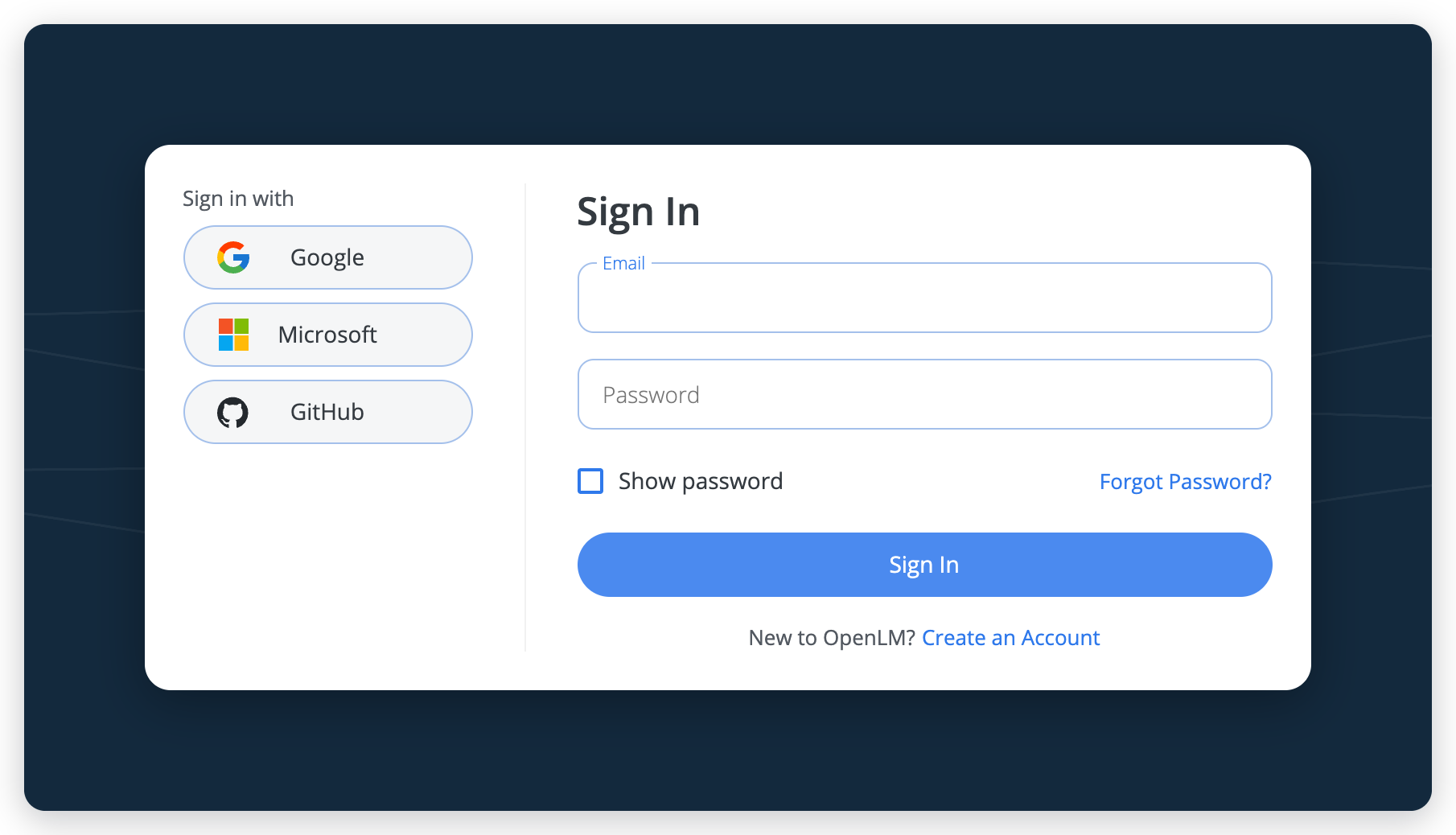 The OpenLM Platform sign-in page
-
If the Downloads page doesn't open, open Navigation (the grid icon in the header), select Platform Administration → OpenLM Products, then select Downloads under Management.
On your first sign-in, close the Welcome to the OpenLM Platform dialog first.
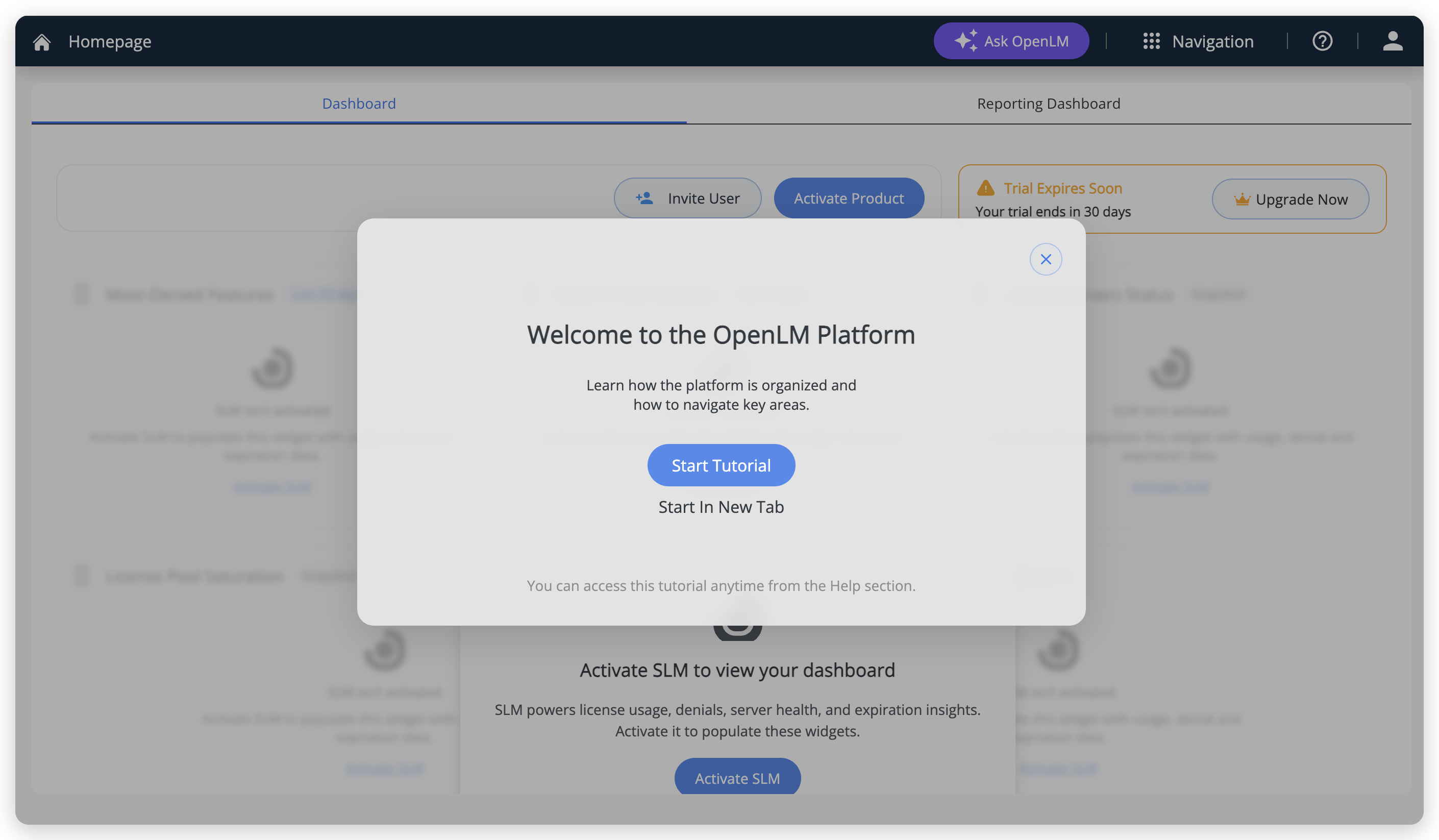 The Welcome dialog on your first sign-in. Close it to continue.
-
Select the V26 tab.
-
On the component's card, select Download, then select the package you need, for example Windows Installer or RPM Package.
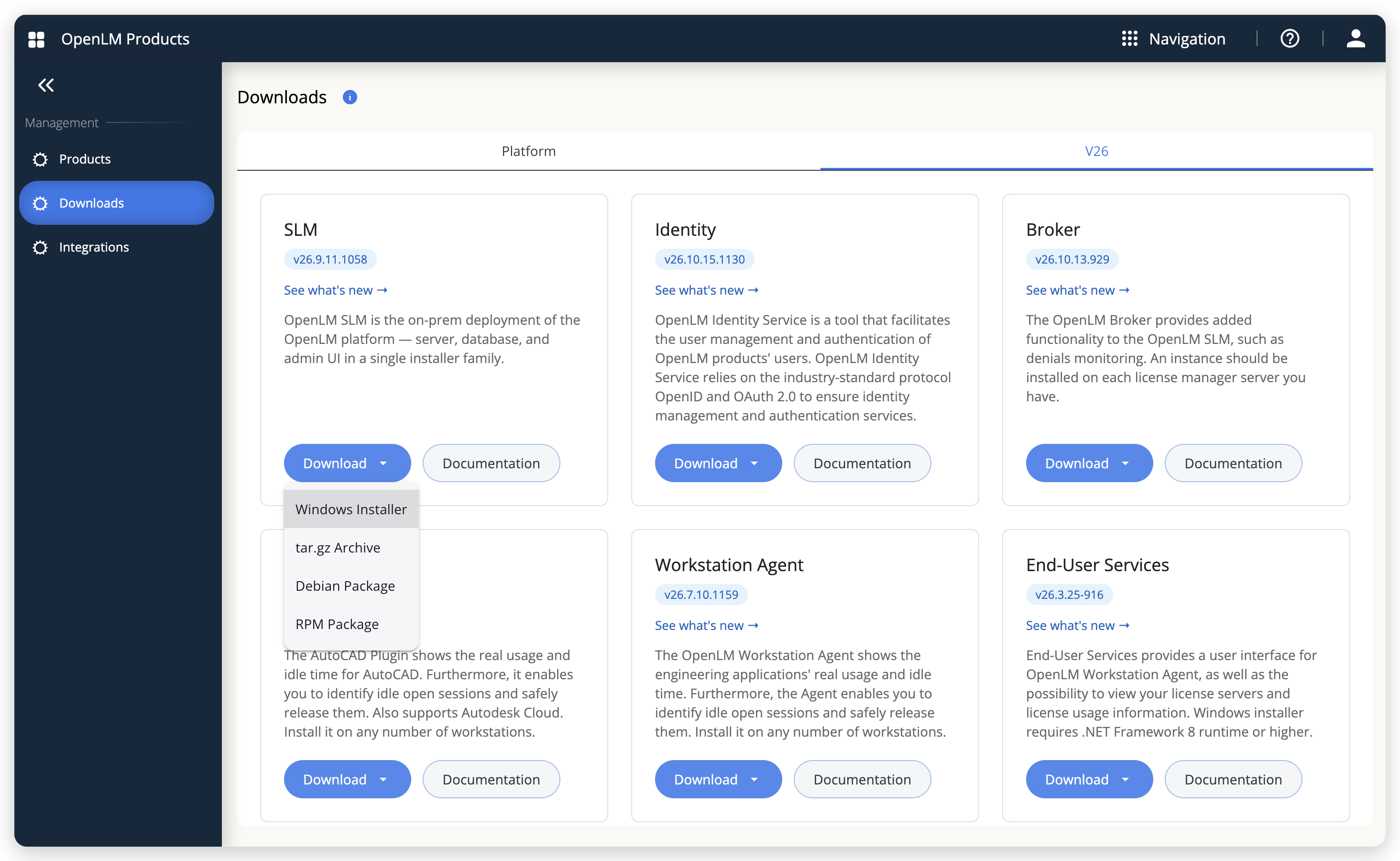 The V26 tab of the Downloads page, with the SLM Download menu open
You don't need to activate a product to download installers, so skip Activate SLM and the other activation prompts. Each card shows the component's current build. See what's new opens the component's changelog, and Documentation opens its installation guide. The Platform tab holds the OpenLM Platform components, described in Download OpenLM components.
Troubleshooting
Forgot your password?
On the sign-in page, select Forgot Password? and follow Reset your password. The link in the reset email is valid for 30 minutes.
Is the sign-in page rejecting your email address and password?
Check the region. Your account exists only in the region you registered in. The footer of the sign-in page shows the region you're on (US Cloud or EU Cloud): select the other region there and sign in again.
Need an older build?
The V26 tab offers the latest build of each component. To ask for a v22 to v25 build, fill in the quick request form under or submit a quick request below on www.openlm.com/downloads: choose the version in Version Needed, then select Send. For any other component question, select Contact Support in the Need specific help? panel on the same page.
The documentation team might draft this page using a large language model. A technical writer reviews every page and verifies it against the product before publishing it. A human makes the final decision.