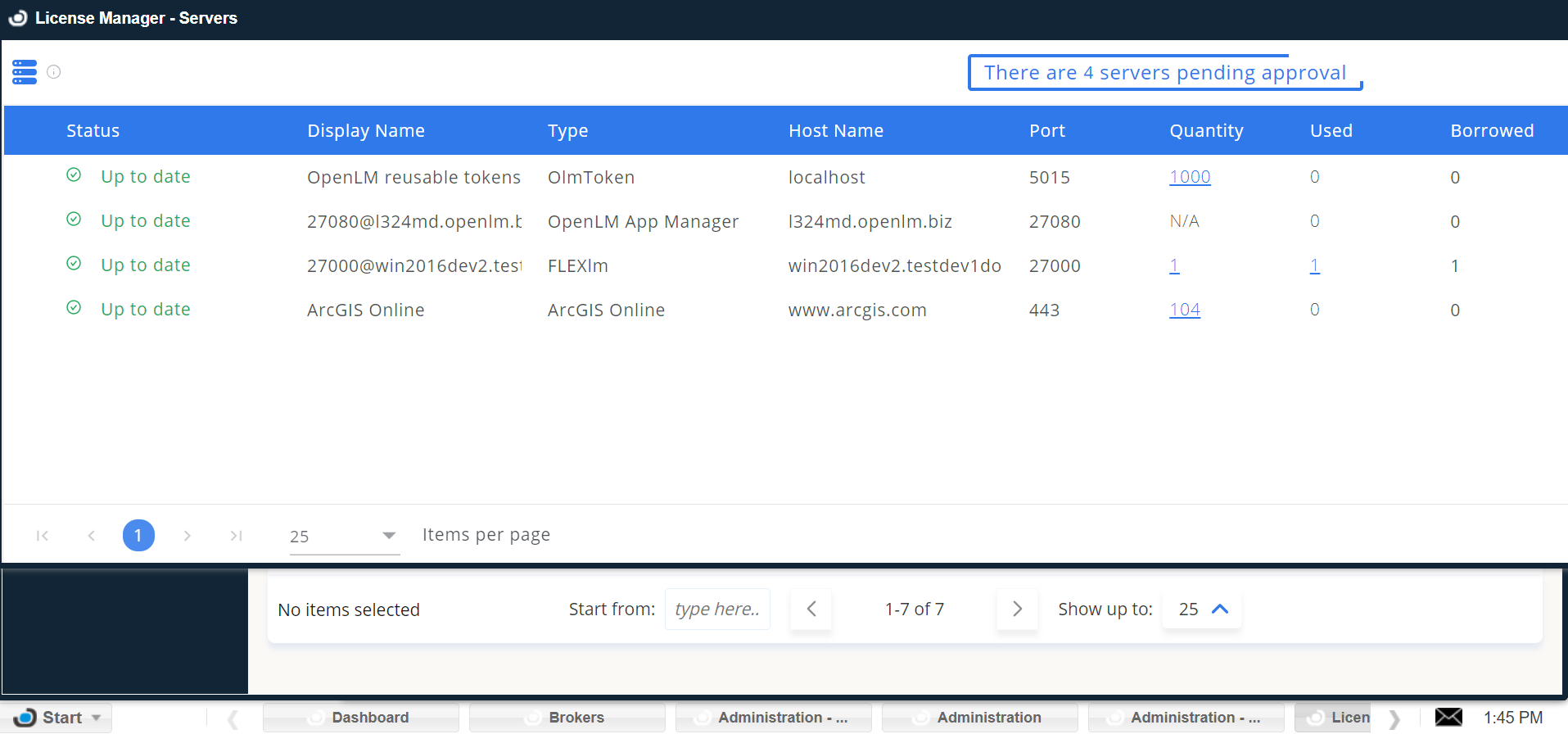
ArcGIS Online
OpenLM can connect to ArcGIS Online to retrieve license quantities and usage data.
Note: ArcGIS Online accounts with two-factor authentication (2FA) cannot be monitored. Deactivate 2FA before proceeding.
Adding ArcGIS Online to OpenLM
- In EasyAdmin, go to Start → Administration → License Manager Servers.
- Select Add LM.
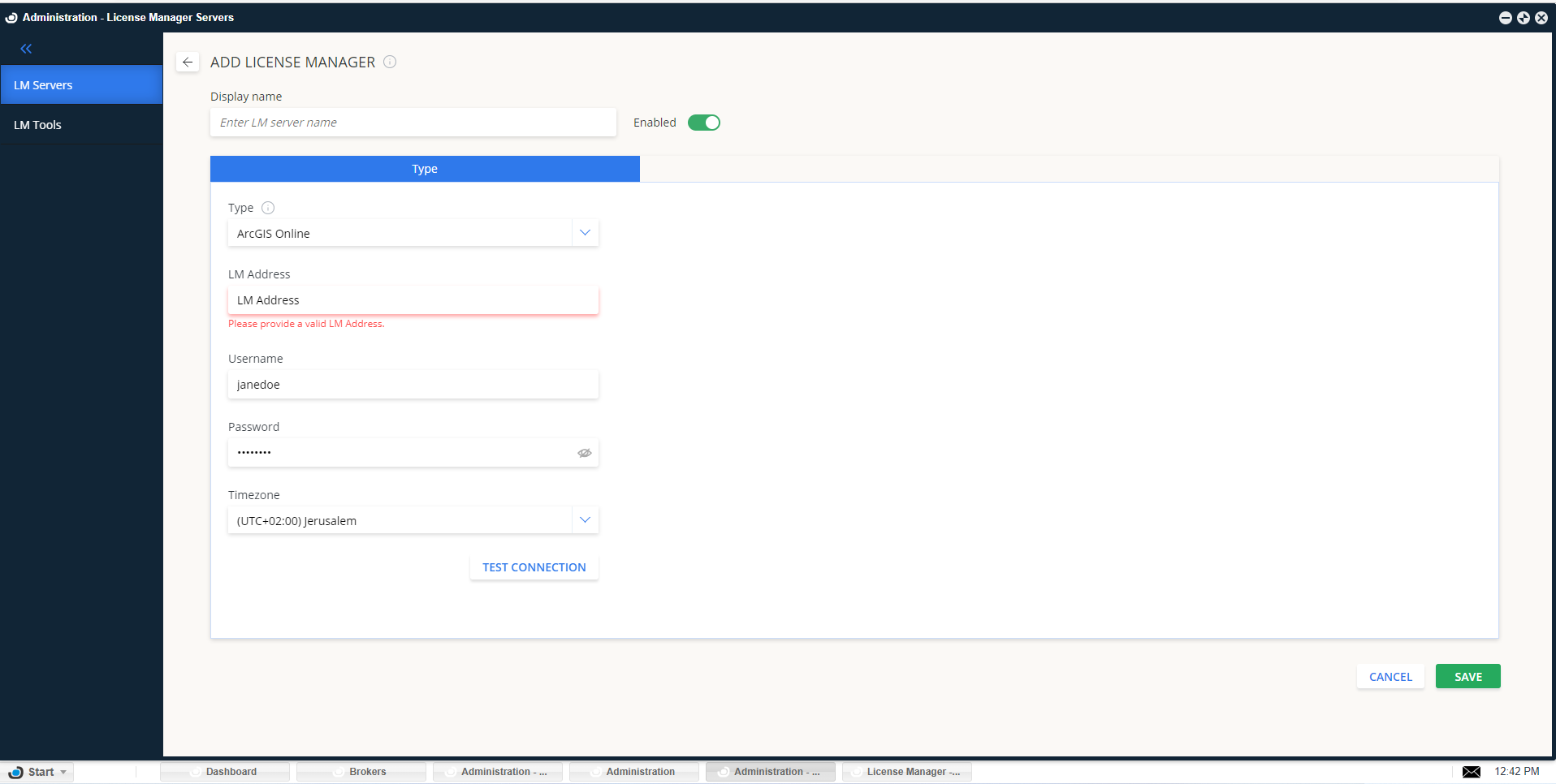
- Enter a descriptive Display Name.
- In Type, select ArcGIS Online.
- In LM Address, enter:
https://www.arcgis.com
- Enter your ArcGIS Online admin username and password.
- Select the license manager's time zone.
- Select Test Connection. A successful connection will look like:
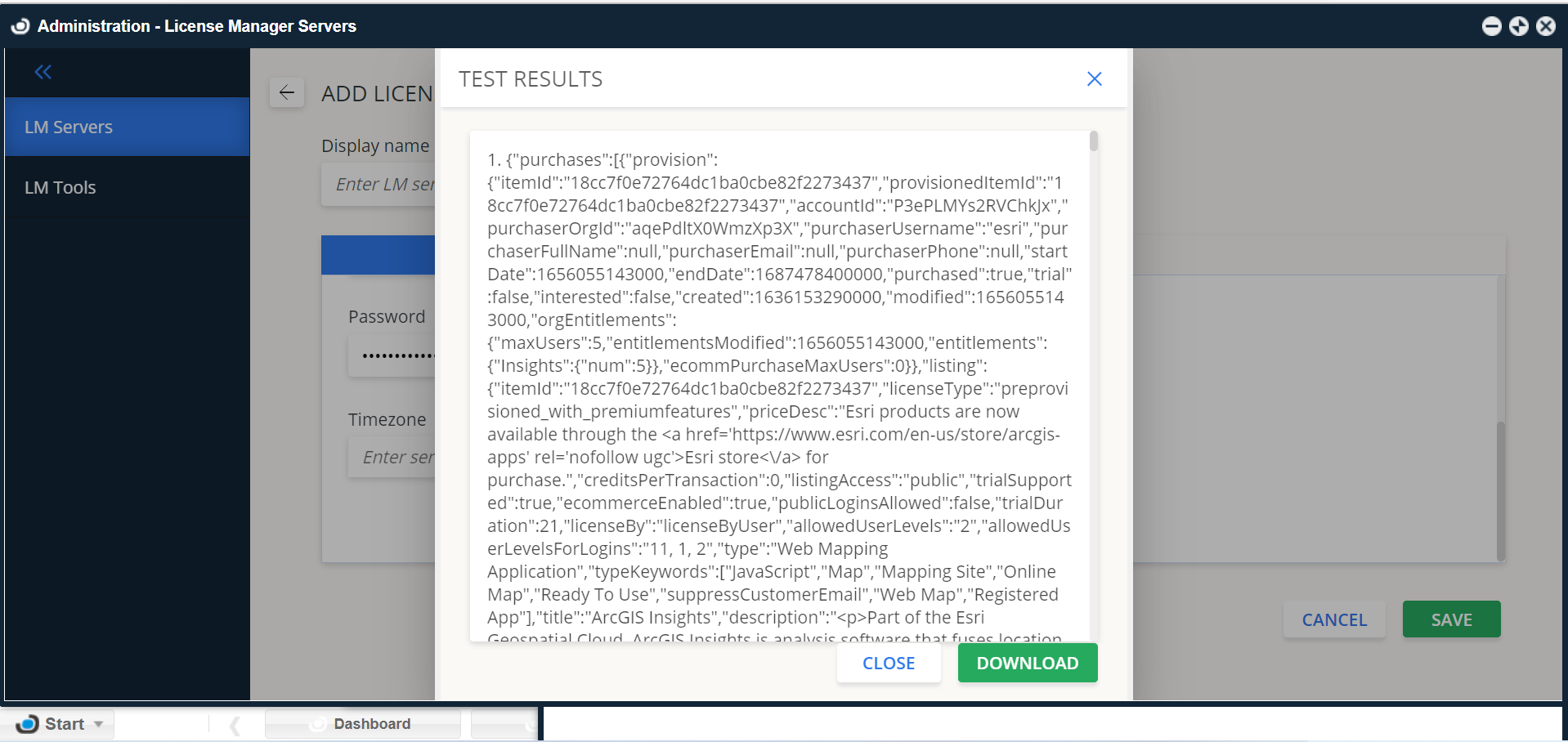
- Select Save.
Within a few minutes, license usage and allocation data will appear in OpenLM reports.