LDAP connector configuration
What is LDAP Connector
LDAP Connector can save User and Group entity data from Source Directory to Amazon S3 or SQS. This is convenient if you would like to make use of entity data for your solution (ex: Software).
Prerequisites
- Software License Management Cloud (SLMC) registration
- Directory Sync Activation and Configuration if you would like to sync with OpenLM SLM DB.
(Not necessary if you just want to sync with Amazon S3 or SQS only) - LDAP Connector Activation in the Cloud Portal
Configuration
- Activate the LDAP Connector in Cloud Customer Portal.
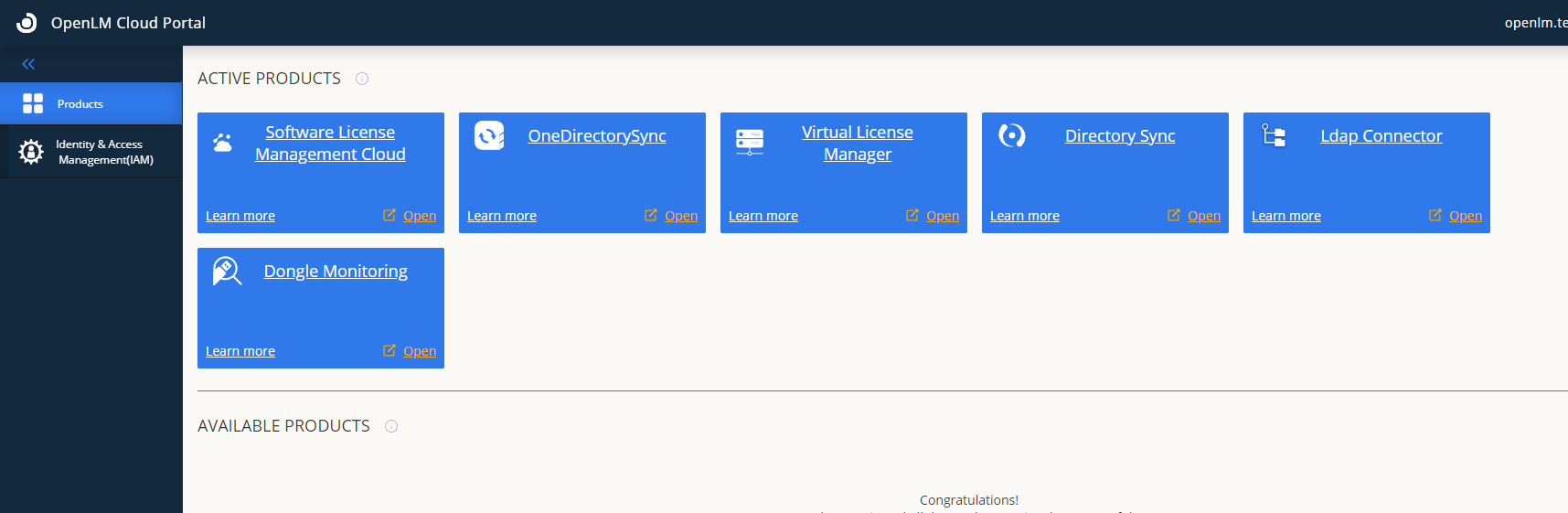
- Set up a source Active Directory in Directory Sync:
Cloud Directory Sync- Active Directory
- eDirectory
- ApacheDS
- AzureAD (Microsoft Entra ID)
- Google CDS
- Configure the Synchronization setting in Directory Sync.
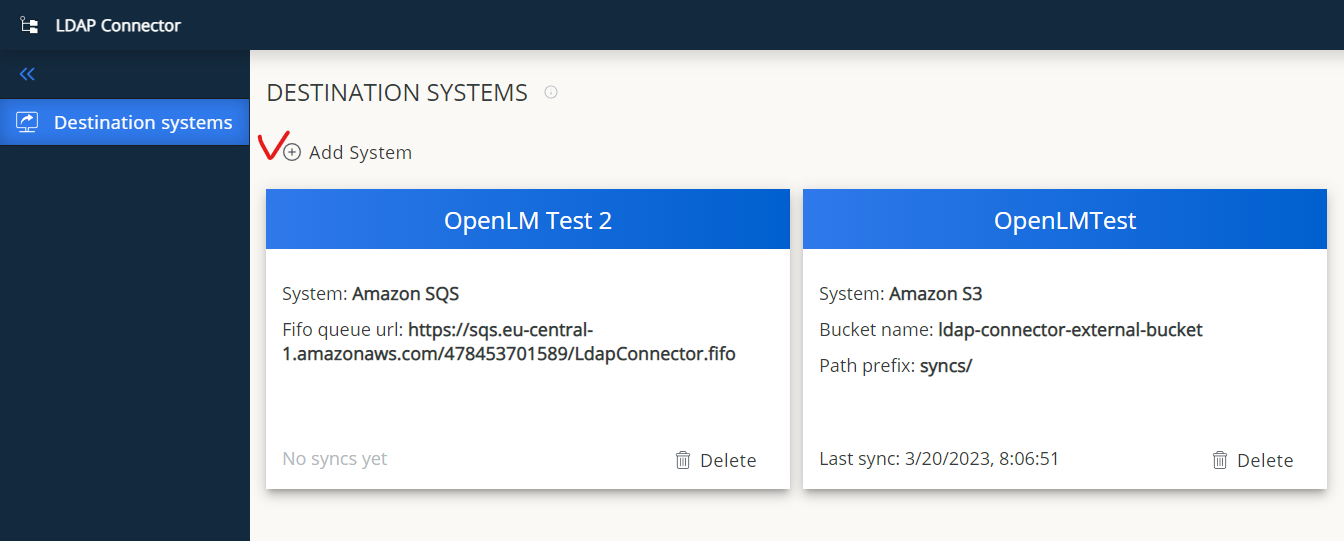
- Set up a destination System in LDAP Connector.
You can register multiple systems. Check connectivity.
Amazon S3
Amazon SQS
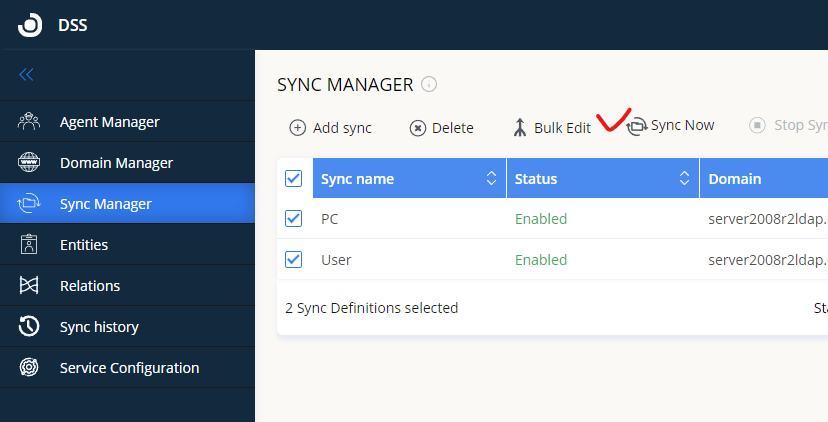
- Go to Directory Sync and manually run Sync.
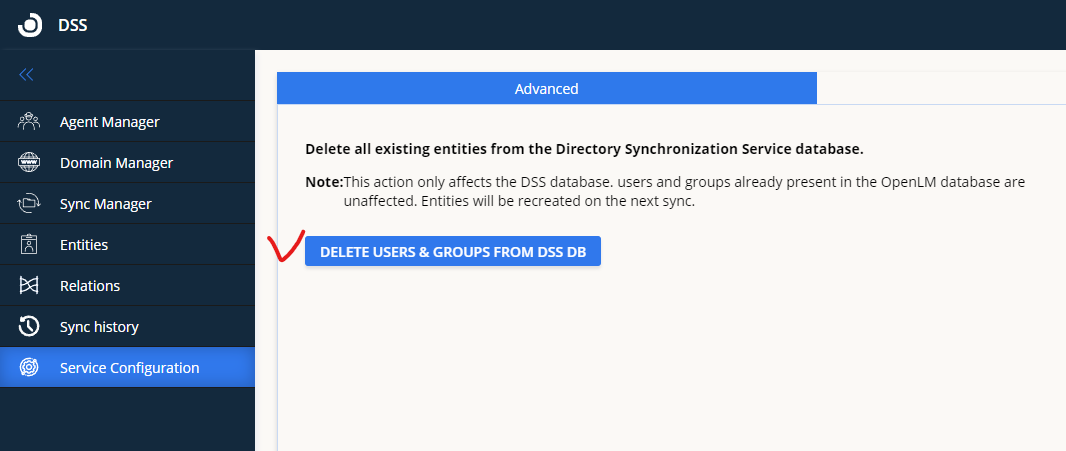
- In case this doesn't trigger LDAP Connector, delete all entities from Directory Sync Database once and run Sync from scratch.
- User and Group entities are saved and synchronized in the registered destination systems.
The documentation team might draft this page using a large language model. A technical writer reviews every page and verifies it against the product before publishing it. A human makes the final decision.