KeyCloak integration with OpenLM
KeyCloak configuration
Prerequisites
- KeyCloak MUST run HTTPS
- No spaces allowed in usernames
Configuration
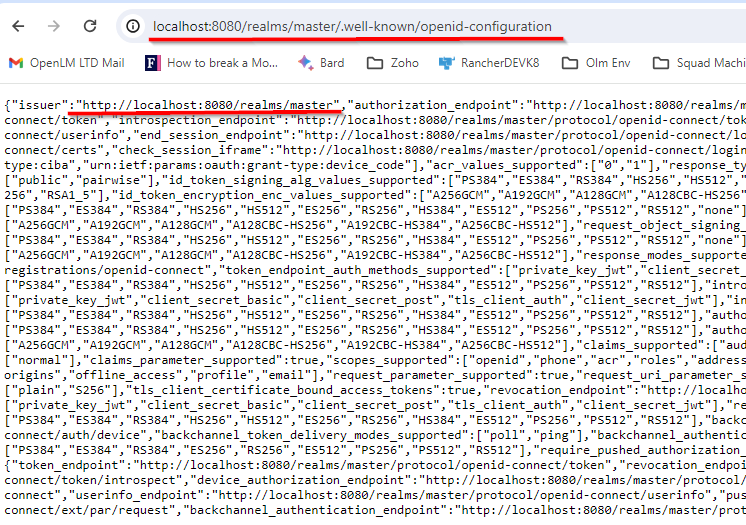
- To get the authentication configuration for KeyCloak:
keyCloakURL/realms/realm-name/.well-known/openid-configurationkeyCloakURL - should be replaced by the url of keycloak
master -should be changed to the real name if it is not the master. for example http://localhost:8080/realms/master/.well-known/openid-configuration - To define a client, login to the administration console, select Clients tab in left menu, then click Create Client button:
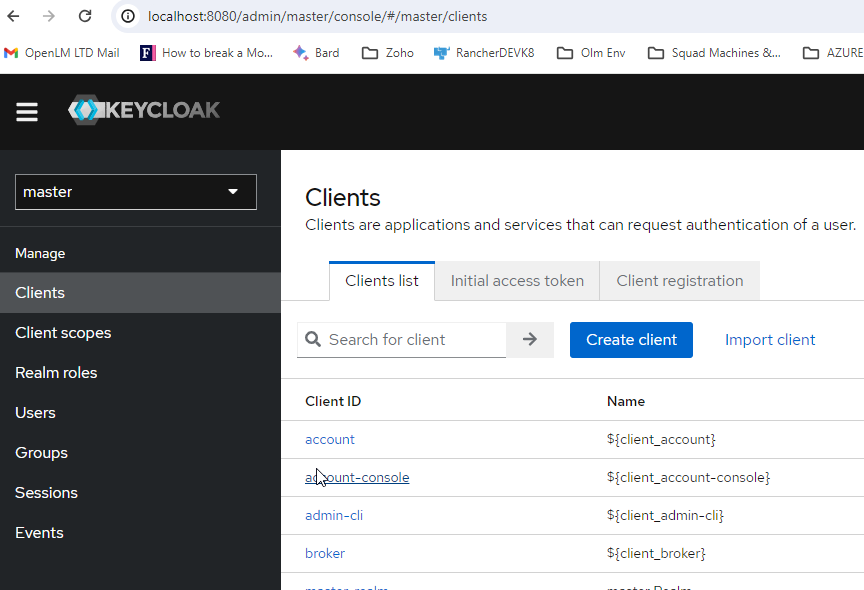
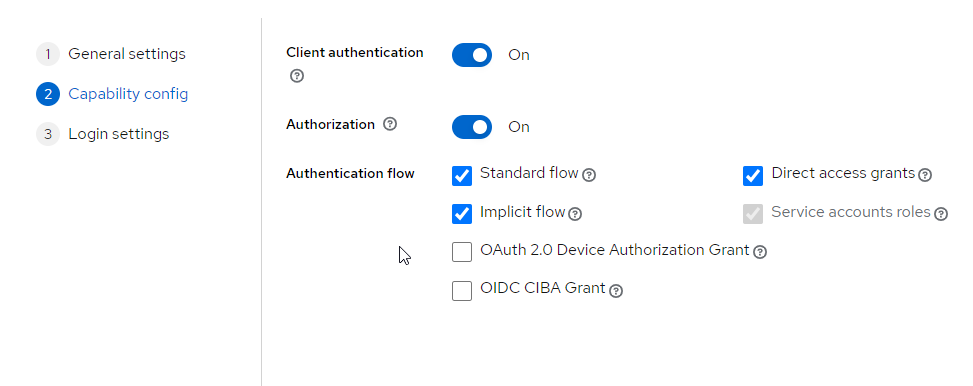
- Save the client.
- Click on the client to see its details.
- Add OIDC external provider in Identity\portal , use the following ClientID and Client Secret
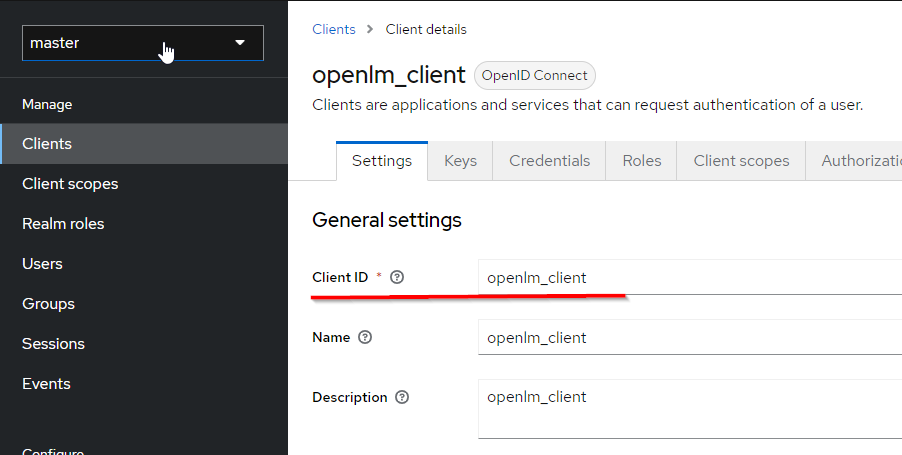
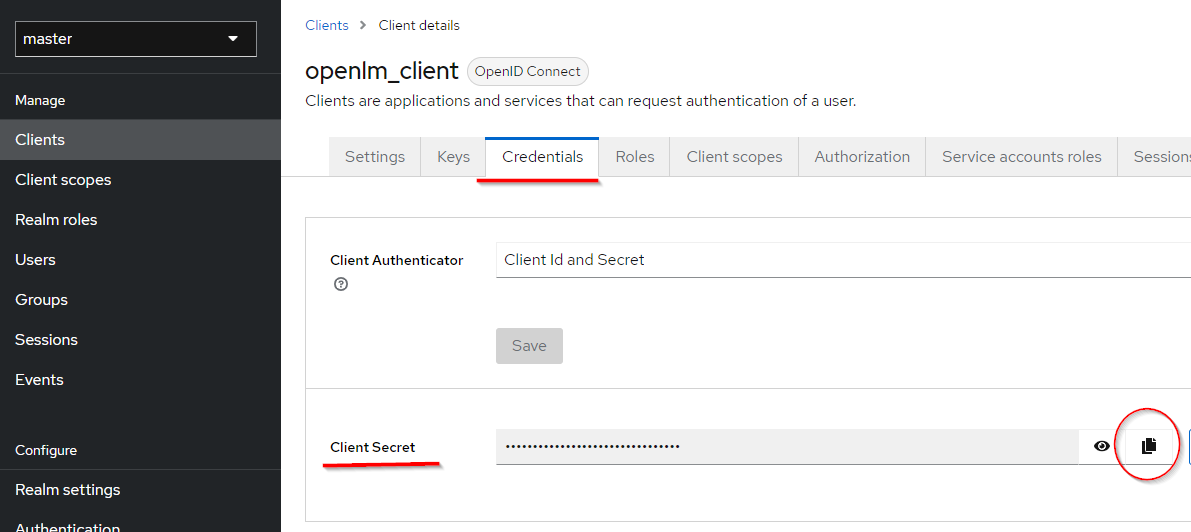
- Authority should be filled with the issuer value from the output of the command in step 2.
Note - in some cases one needs to use keycloak-url/auth/realms/master/.well-known/openid-configuration
- Save the external provider.
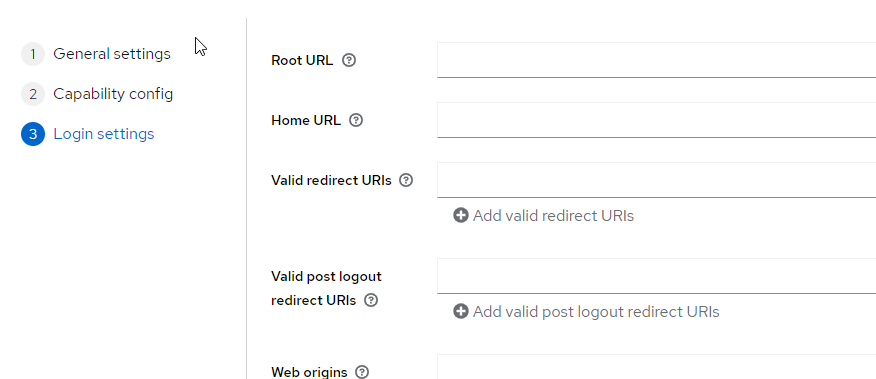
- Edit the KeyCloak client and add the redirect uri from the OIDC external provider config in Identity Service:
- Save the client.