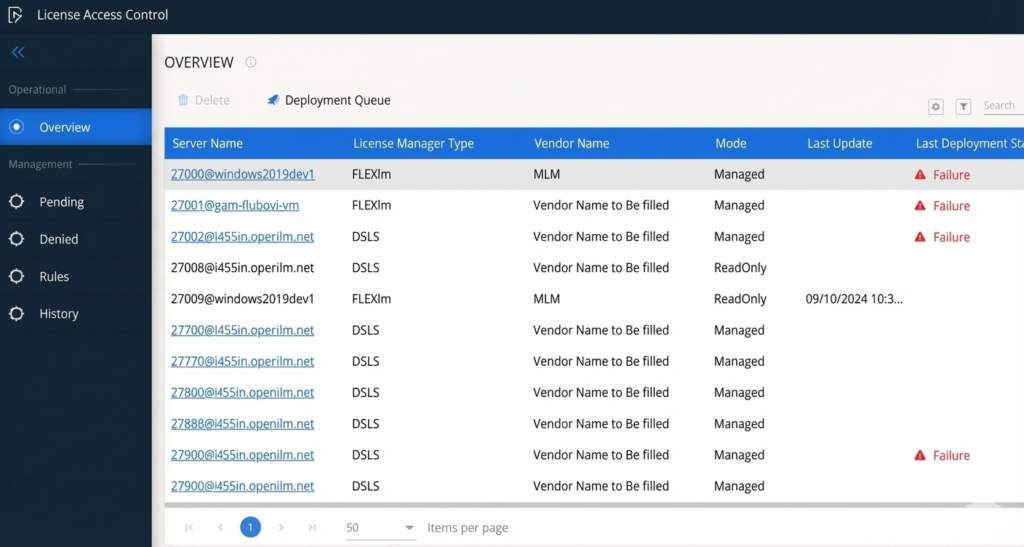

Centralize, automate, and enforce license access policies from a single interface
Introducing OpenLM License Access Control (LAC)
Why do you need OpenLM License Access Control?
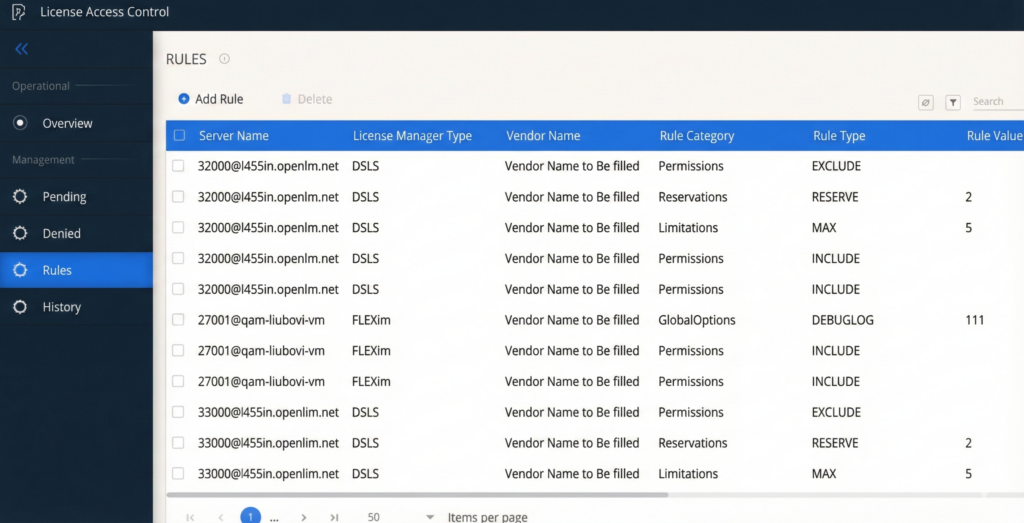
It enables you to manage license restrictions and permissions across multiple license managers—including FlexLM, DSLS, RLM, and Autodesk Cloud—from a single, unified user interface. As a user, you need not know specific syntax and commands for each license manager to leverage LAC.
Core functionalities

Simplified rule creation
Easily create and manage license access rules, such as including or excluding users and groups, reserving licenses, and setting usage limitations. A user-friendly wizard guides you through the process, translating complex rules into the language of your license manager.
Policy-based license allocation
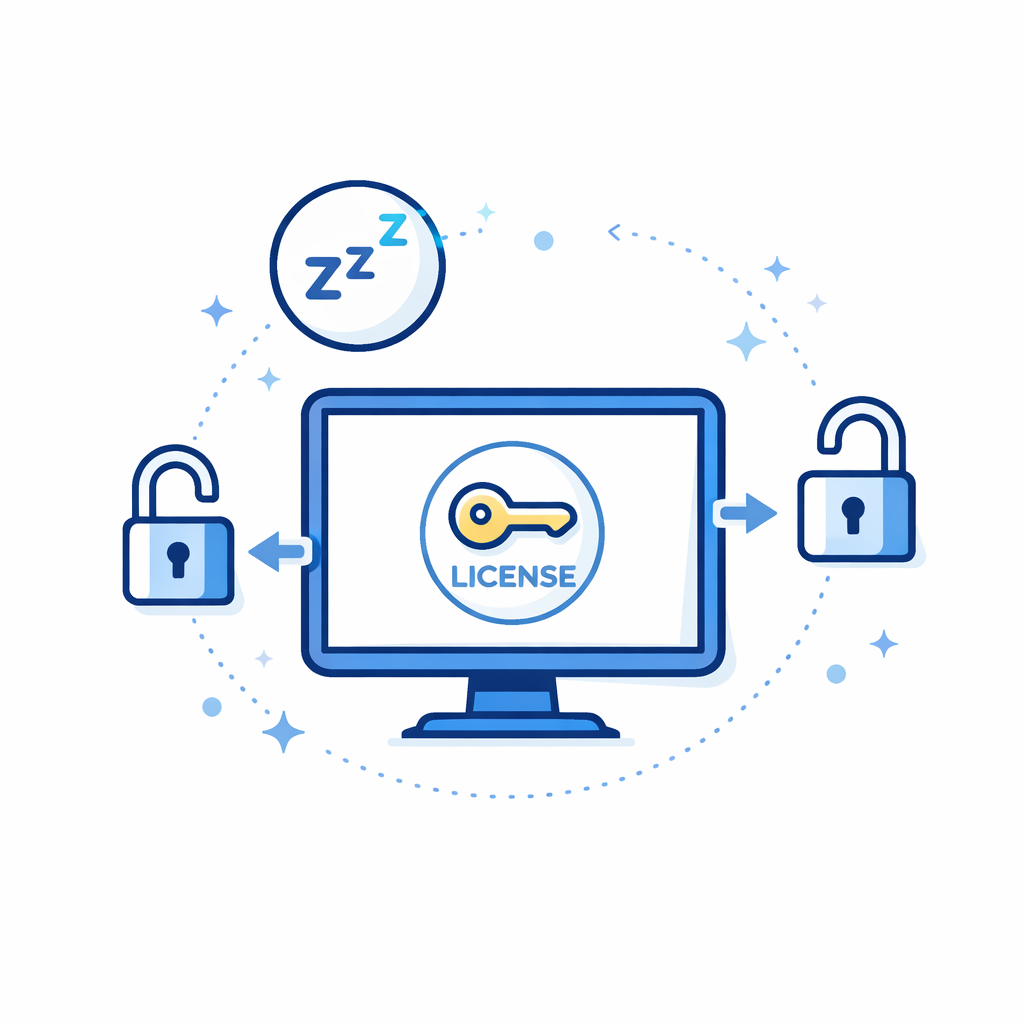
Define policies comprising multiple rules and schedule their deployment throughout the day or week. This enables you to automatically adjust license allocation based on factors like time zones and team schedules, ensuring optimal license usage across global teams.
Integration with existing infrastructure
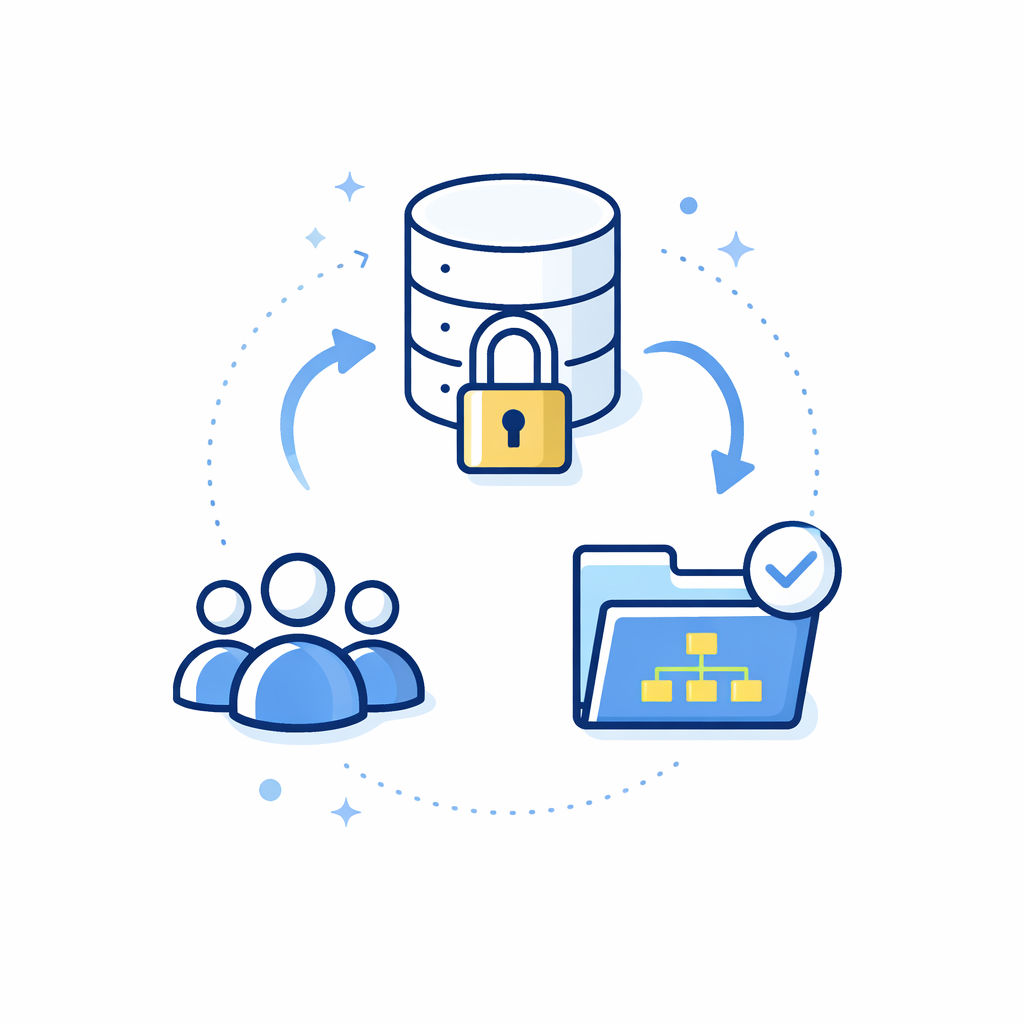
OpenLM License Access Control seamlessly integrates with your existing OpenLM system, leveraging shared databases and user groups for efficient management and real-time data accuracy.
Learn more about LAC and other features
Access the complete guide to the critical advancements in the new OpenLM Platform.
Frequently Asked Questions (FAQs)
What is OpenLM LAC?
Which license managers does OpenLM LAC support?
OpenLM Platform, the solution which LAC is a part of, supports various license managers, including FlexLM, DSLS, RLM, and Autodesk Cloud.