Managing specialized engineering software like Autodesk, MATLAB, and SolidWorks requires precise data. Historically, software asset managers spent hours digging through complex tables and dashboard filters to find optimization opportunities. Today, OpenLM introduces a forward-thinking approach to managing these high-cost assets: AI-powered license management.
With the new OpenLM MCP Reporting Server, you can now query software license data with AI using plain English. This capability transforms your analytics environment into an interactive, conversational resource, allowing you to unlock critical insights instantly.
What is the OpenLM MCP Reporting Server?
The OpenLM MCP Reporting Server acts as a secure gateway that connects your centralized reporting database to the AI tools you already use every day. The open-standard Model Context Protocol (MCP) enables an AI assistant for software license reporting to interact directly with your telemetry data.
The core architecture relies on a flexible GraphQL data layer that serves as an efficient intermediary. This layer communicates with the server to retrieve precise data, enabling OpenLM AI reporting to deliver clear textual summaries, actionable insights, and visual reports based on your direct questions.
Accelerate engineering software license optimization
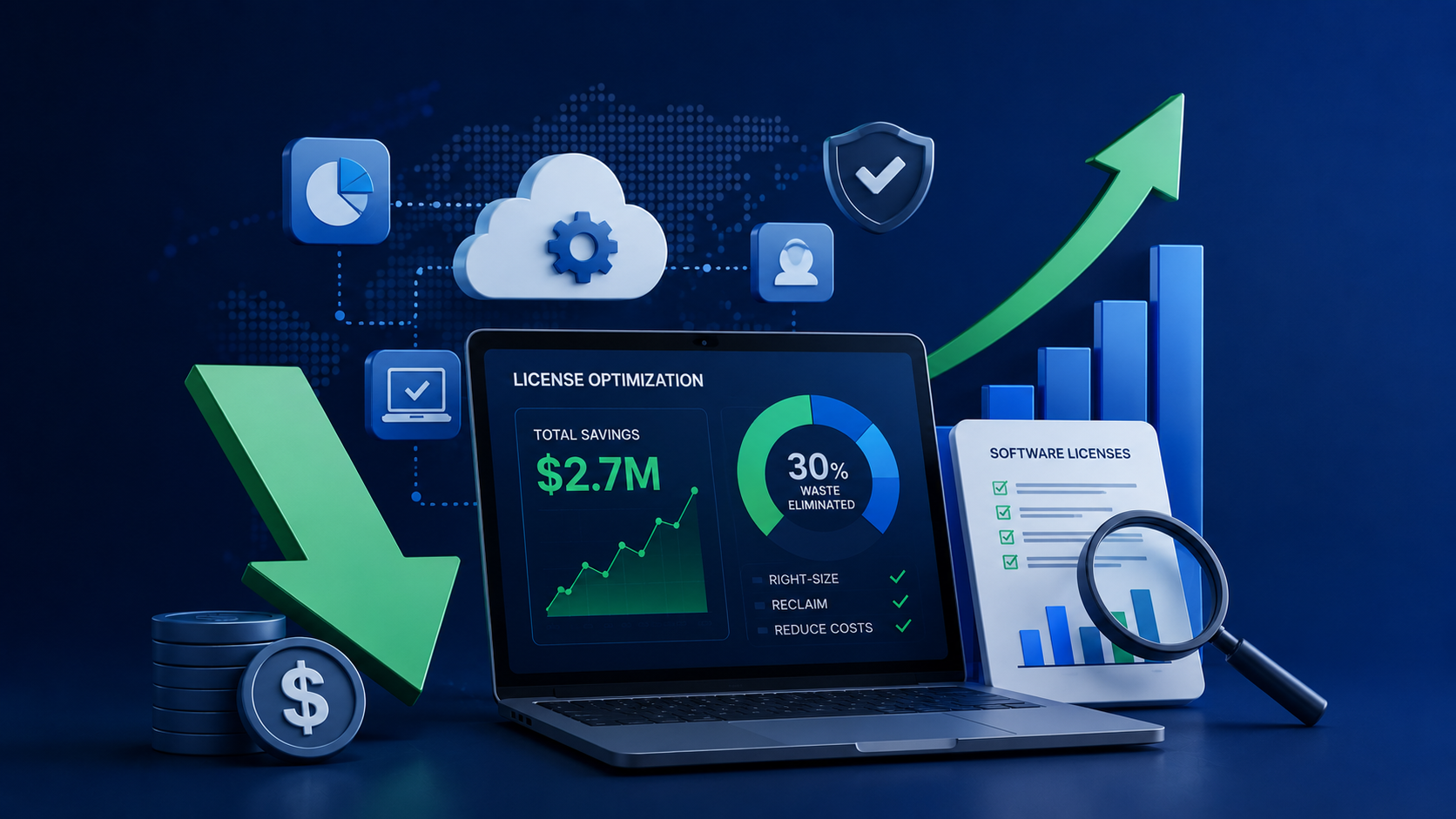
Manual data parsing can delay important procurement decisions. By deploying this MCP server for license analytics, you can achieve software license cost optimization in seconds. For instance, a simple 10-second prompt in Claude can identify more than $60,000 in unused license savings.
You can use the conversational interface to run software license usage analytics and tackle common operational hurdles:
- Harvesting unused licenses: You can type, “List AutoCAD users with zero activity in the last 90 days,” to instantly generate a target list for license reclamation.
- Enforcing compliance: You can ask, “Are any users currently borrowing licenses beyond their limit?” to perform a real-time policy check.
- Planning department budgets: You can query, “What is our true cost-per-active-user across the engineering tool stack?” to secure accurate data for department chargebacks.
Additional Read: 10 proven strategies to cut software license costs in 2026
Connect to the AI tools you already pay for
You do not need to adopt an entirely new ecosystem to use this feature. The server supports seamless Claude MCP integration and provides a reliable ChatGPT connector for OpenLM. It works directly with major AI clients, allowing you to build a Claude Desktop MCP server configuration or set up license usage reporting with ChatGPT to analyze data from over 90 supported engineering and specialty license managers.
Furthermore, OpenLM helps you manage the financial side of your artificial intelligence tools. If you need to track project-based LLM expenses, you can enable AI FinOps for engineering software to access real-time token attribution and keep your operational budgets predictable.
Enterprise security built into the core
Moving to conversational data does not mean compromising your enterprise security posture. The system operates through regional production endpoints in the US and EU and secures your connections with OAuth 2.0 authentication. Because it utilizes a read-only bridge, it protects your primary database from unauthorized changes.
Additional Read: Best-of-both-worlds ITAM: Combining ServiceNow with engineering license intelligence
Frequently asked questions
What is an MCP reporting server?
An MCP (Model Context Protocol) reporting server is a core intelligence component and gateway that connects a reporting database to an AI assistant. It interprets natural language queries, processes complex business logic, and generates actionable insights from your software telemetry.
How does OpenLM integrate with ChatGPT and Claude?
OpenLM utilizes a secure, read-only bridge that allows you to link your environment to your preferred AI tool using standard connectors. By using a specific configuration file or a ChatGPT connector for OpenLM, your AI assistant can instantly query the underlying GraphQL data layer to fetch precise analytics.
Can AI help reduce software licensing costs?
Yes, AI accelerates engineering software license optimization by automating the discovery of waste. For example, you can query your data to quickly identify inactive users, reclaim idle licenses, and avoid unnecessary procurement costs.
Is the OpenLM MCP Reporting Server secure?
Yes, it is designed for enterprise-ready security. The server uses regional production endpoints (US and EU), relies on OAuth 2.0 for authentication, and enforces strict read-only access to prevent unauthorized database modifications.
Does OpenLM use my data to train AI models?
No, your data remains entirely private. The server processes information solely to answer your specific, active queries. Neither Anthropic (Claude) nor OpenAI (ChatGPT) uses your synchronized telemetry to train their public or global models.
Can on-premise OpenLM environments use MCP reporting?
Yes, on-premise customers can utilize this capability. Because browser-based AI clients cannot directly access private local networks, you must synchronize your data with an OpenLM Cloud environment and interact via a desktop application, such as a Claude Desktop MCP server configuration.
Is there an additional fee for the OpenLM MCP Reporting Server?
No, OpenLM includes this feature as a standard capability within your current OpenLM Platform subscription. You will not pay any extra OpenLM licensing fees, though you do need an active, paid subscription with your chosen AI provider to enable third-party connectors.
What AI assistants are compatible with OpenLM MCP Reporting Server?
The server is compatible with any major Model Context Protocol-compliant tool, including Claude (such as Claude Pro, Team, or Claude Desktop) and ChatGPT (ChatGPT Plus or Enterprise).
Take the next step
Ready to transform how you analyze your software telemetry? If you have not already, please register for our live technical webinar to see the setup process in action and learn how to write your first queries: https://www.openlm.com/webinar/getting-started-with-the-openlm-mcp-reporting-server/